Select the model you want to generate your image with.
Free GPT-Image 1.5 Online: Create and Edit Images with OpenAI’s Latest Model
Create new images or refine existing photos with clear, reliable results using Free GPT-Image 1.5 Online.
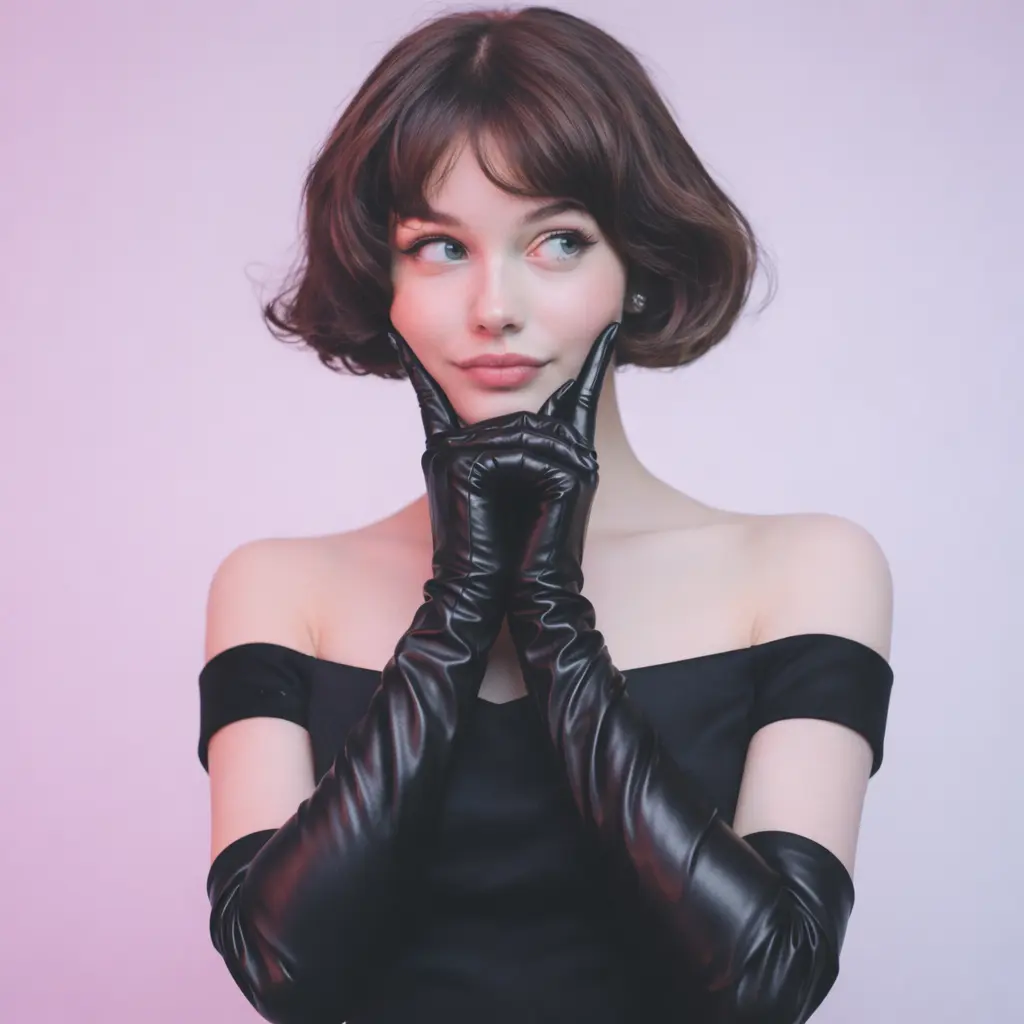
Your Generated Images
Introducing GPT-Image 1.5 and Its Approach to AI Image Generation
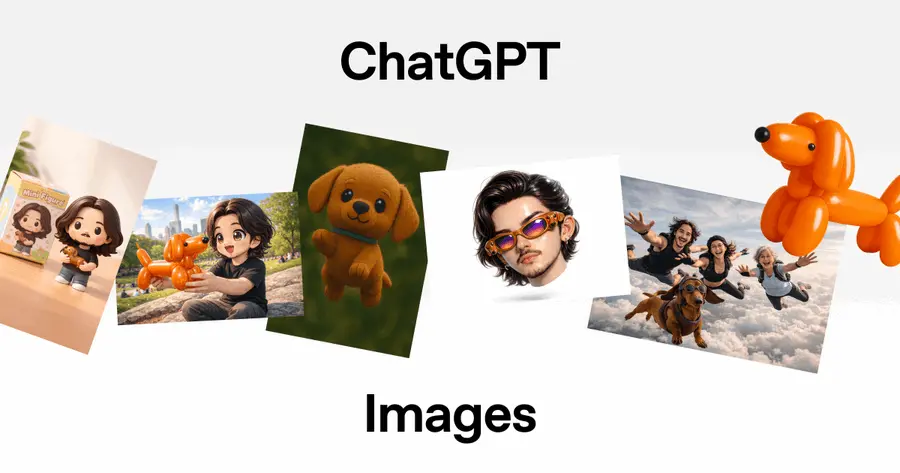
GPT-Image 1.5 is OpenAI’s latest image generation and editing model, designed to interpret visual instructions with higher accuracy and greater structural stability. Unlike earlier ChatGPT-Image systems that tended to reinterpret scenes more broadly, GPT-Image 1.5 focuses on preserving the essential elements of an image—identity, lighting, geometry, text layout—while applying targeted edits or generating new visuals from text. This makes it reliable for both creative exploration and precise visual adjustments. Working across text to image and image to image workflows, GPT-Image 1.5 excels at producing outputs that closely match user intent: scenes with clearer composition, transformations that maintain continuity, and diagrams or infographics with readable, coherent text. It represents a shift toward controllable AI image generation, where the model responds not only to aesthetic cues but also to structural and instructional constraints.
Text-to-Image Capabilities in GPT-Image 1.5
GPT-Image 1.5 generates images from text with a stronger sense of structure, spatial accuracy, and intent alignment. It interprets descriptions as actionable visual instructions—producing scenes that maintain logical composition, consistent proportions, and stable stylistic direction. This allows prompts involving diagrams, characters, objects, or multi-element arrangements to produce results that closely reflect the user’s specified layout rather than drifting toward overly stylized or generic compositions.
Image-to-Image Editing with High Structural Stability
In image-to-image workflows, GPT-Image 1.5 excels at applying focused changes without altering what users intend to preserve. Identity, pose, lighting conditions, object arrangement, and background geometry remain stable across edits, enabling transformations that feel controlled rather than reconstructive. Whether refining product photos, adjusting style, modifying environments, or performing subtle corrections, the model maintains continuity with the original image while executing precise visual adjustments.
Key Features of OpenAI ChatGPT-Image 1.5
Photorealistic Text-to-Image Output with 4× Faster Rendering in GPT-Image 1.5
GPT-Image 1.5 elevates AI image generation with more grounded, camera-accurate realism. It converts text to image prompts into visuals with natural lighting, believable materials, and detailed textures that reflect real photographic behavior. And with rendering speeds now up to four times faster than the previous generation, creators can iterate rapidly and refine commercial-ready scenes without breaking their workflow.
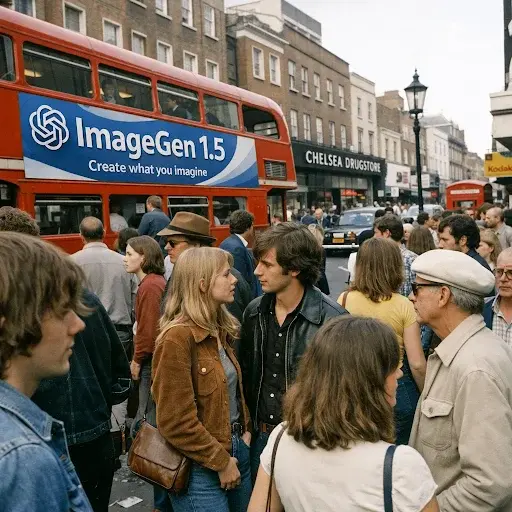
Clear Typography and Layout Rendering in ChatGPT-Image 1.5
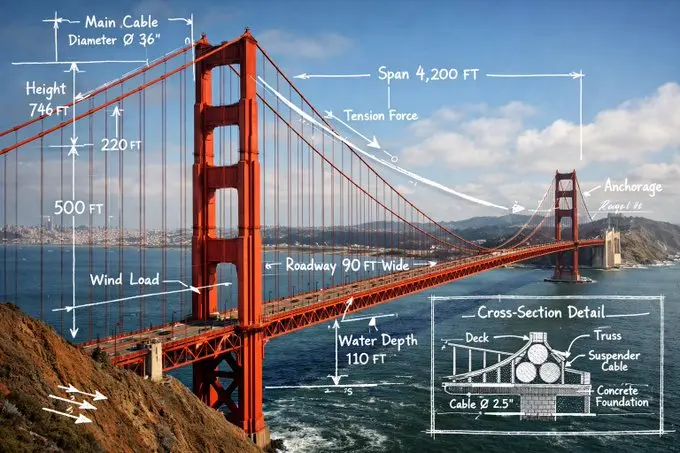
Inside-image text is handled with far greater precision in GPT-Image 1.5, producing clean, readable type for infographics, UI mockups, marketing layouts, and product designs. Small lettering, dense text blocks, and multi-layered compositions render with clarity, allowing text to image workflows to function as practical design tools—not just artistic outputs.
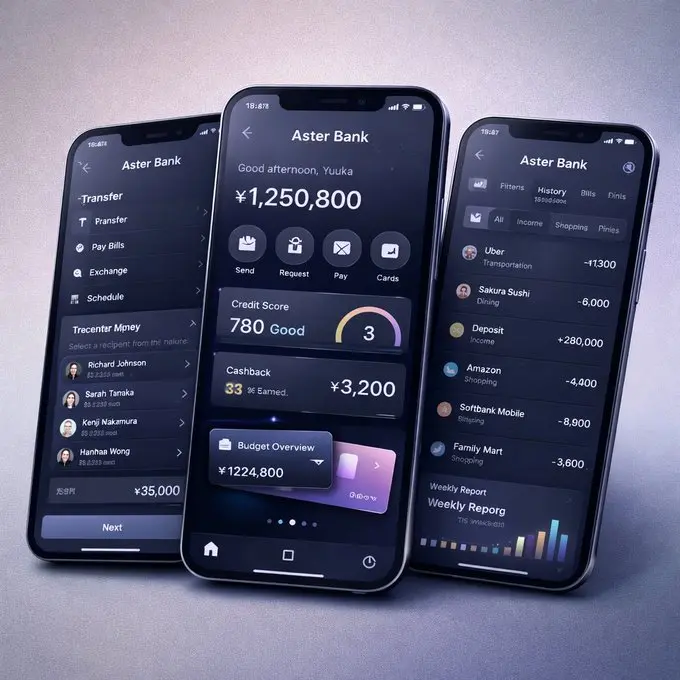
Precision Image Editing Through the GPT-Image 1.5 AI Image Editor
As an advanced AI image editor, GPT-Image 1.5 performs controlled image to image adjustments that modify only the requested elements. Identity, lighting, pose, geometry, and composition remain intact, enabling reliable edits such as outfit changes, object removal, style refinement, and background adjustments without unpredictable shifts.
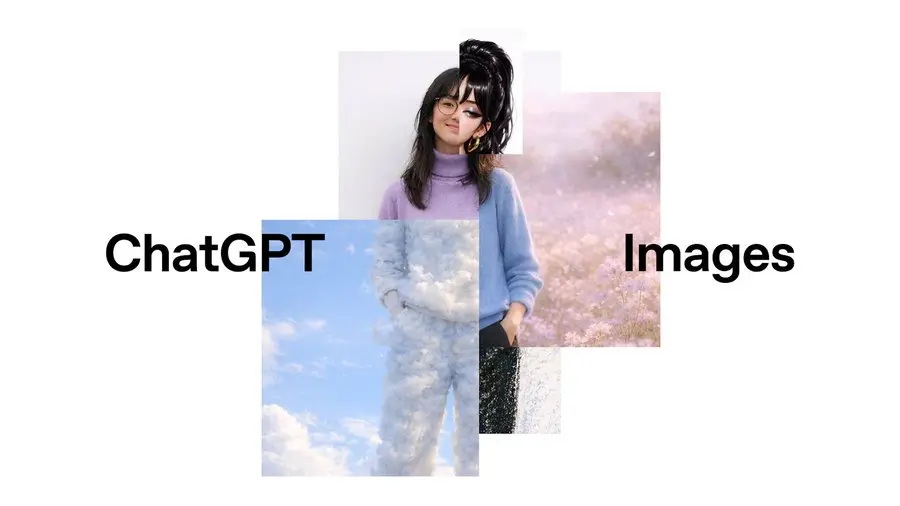
Consistent Style Direction and Character Stability in GPT-Image 1.5
GPT-Image 1.5 maintains strong character consistency across both text to image and image to image sequences—preserving facial structure, proportions, expressions, and overall identity. Combined with stable style control, ChatGPT-Image 1.5 supports multi-image storytelling, branded characters, and cohesive design sets that require the same subject across multiple outputs.
Context-Aware Scene Generation Through GPT-Image 1.5 World Knowledge
GPT-Image 1.5 integrates broad world knowledge that informs the environments, objects, and cultural cues it generates. When describing a real location, historical period, or contextual scenario, the model infers accurate visual details—resulting in richer, more believable scenes in both text to image and image to image workflows.
How to Create and Edit Images With GPT-Image 1.5 Free On AIImageGenerator.net
Follow these simple steps to get started with our platform.
Step 1:Describe What You Want GPT-Image 1.5 to Create
Start by entering a clear prompt for ChatGPT-Image 1.5, whether you need a photorealistic scene, a conceptual illustration, or a structured text to image composition. The model interprets style, lighting, and subject relationships accurately, making free AI image generation easy even from short descriptions.
Step 2:Upload an Image for GPT-Image 1.5 Editing or Variations
If your project requires adjustments rather than new output, upload a photo to activate the GPT-Image 1.5 AI image editor. The model performs controlled image to image edits—preserving identity, lighting, and layout—allowing you to refine clothing, objects, or scene details without losing the original intent.
Step 3:Generate, Iterate, and Download Your Final Visual
Review the results and iterate with follow-up prompts to refine style, composition, or specific elements. GPT-Image 1.5 maintains consistency across edits, enabling reliable adjustments until your visual matches your goal. When finished, simply download the final image created through free GPT-Image 1.5 workflows.
Upgrading from GPT-Image 1 (4o Image) to GPT-Image 1.5: What’s Significantly Better Now
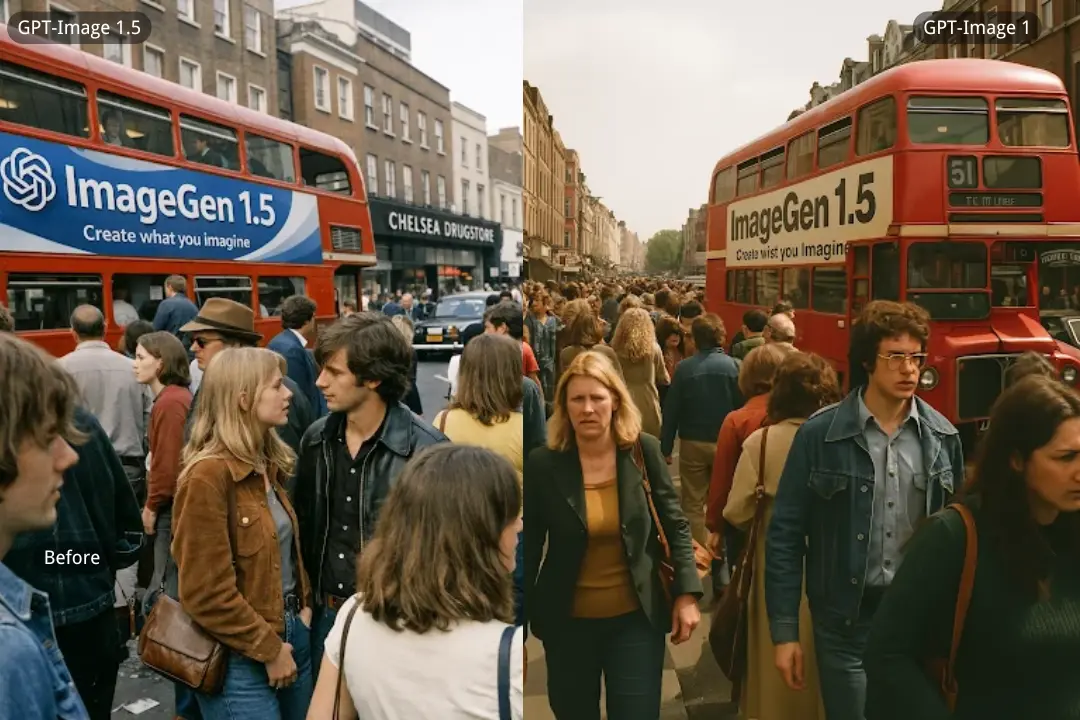
Dramatically Clearer and More Realistic Urban Crowd Rendering
GPT-Image 1.5 delivers a noticeable leap in scene coherence—faces in dense crowds stay sharp, depth is more stable, and environmental elements like signage integrate naturally with the surroundings. This level of realism and structural accuracy simply wasn’t achievable with GPT-Image 1, marking a real step forward in text to image generation.
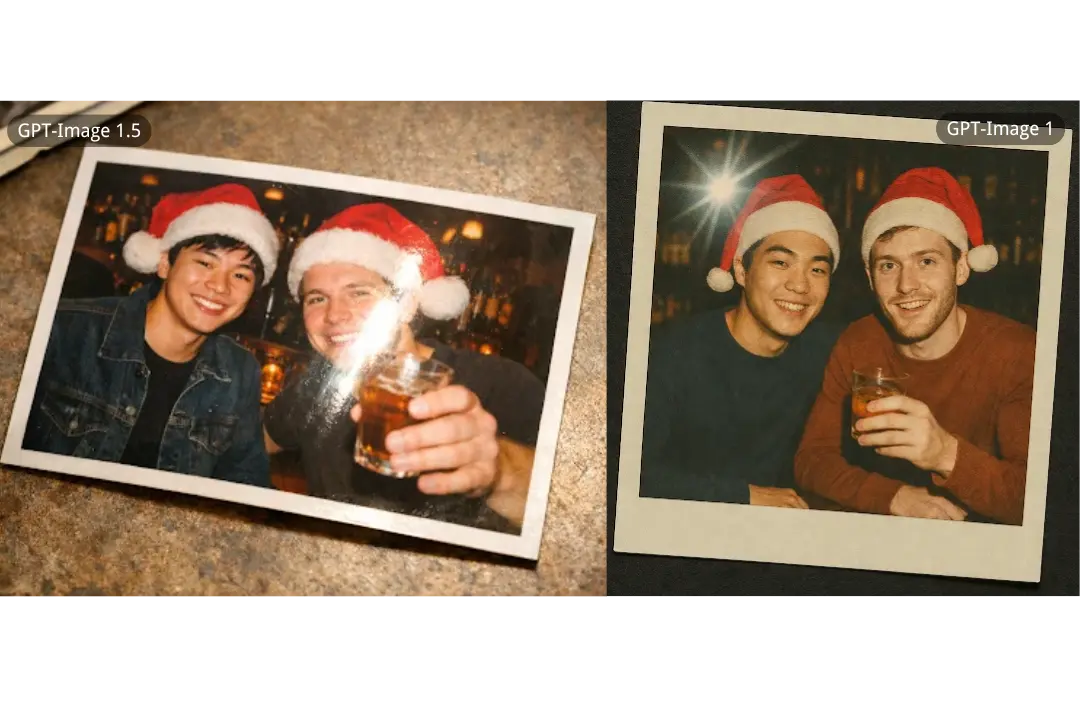
Significantly More Accurate Printed-Photo Effects and Glare Behavior
GPT-Image 1.5 reproduces printed-photo surfaces with far greater authenticity, capturing the direction of glare, the texture of paper, and the geometry of borders with precision. GPT-Image 1 could approximate the effect, but GPT-Image 1.5 elevates it to a convincingly physical result—revealing a clear improvement in fine-detail modeling and image to image realism.
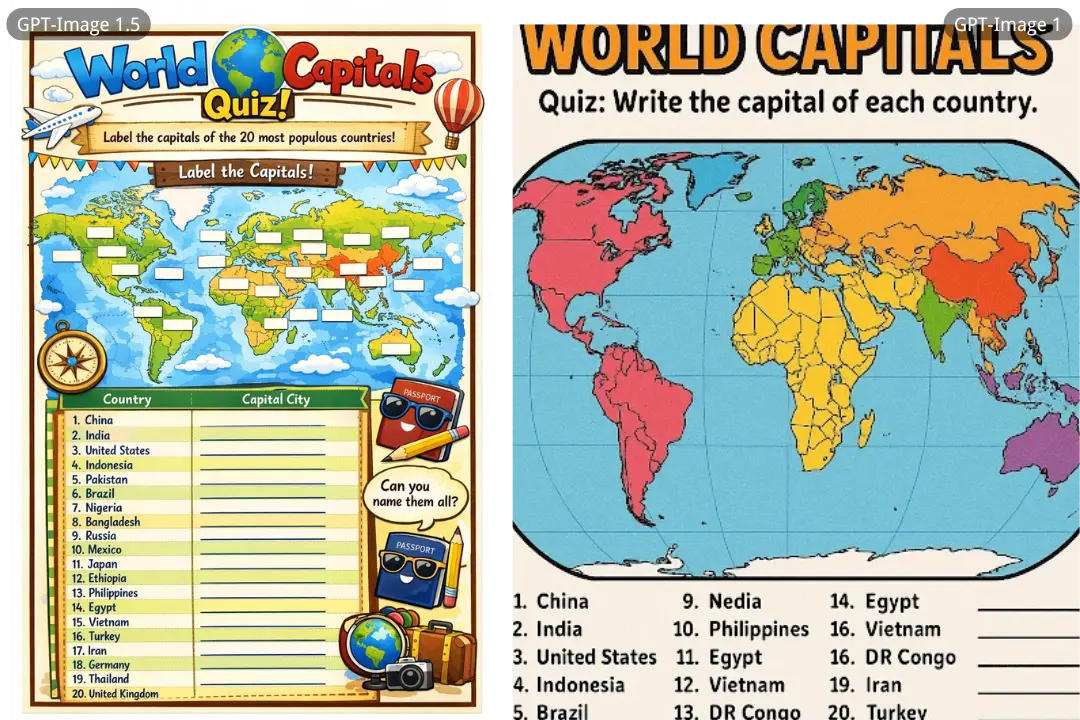
Stronger Control and Precision in Educational & Structured Graphic Layouts
GPT-Image 1.5 handles infographics, worksheets, and map layouts with sharper typography, consistent alignment, and better visual organization. In scenarios requiring accuracy and legibility, it far outperforms GPT-Image 1, making it more dependable for creators who rely on AI image generation for clear, structured, information-heavy outputs.
GPT-Image 1.5 vs Nano Banana Pro — Visual Fidelity and Consistency
Stronger Character Consistency and Visual Uniformity
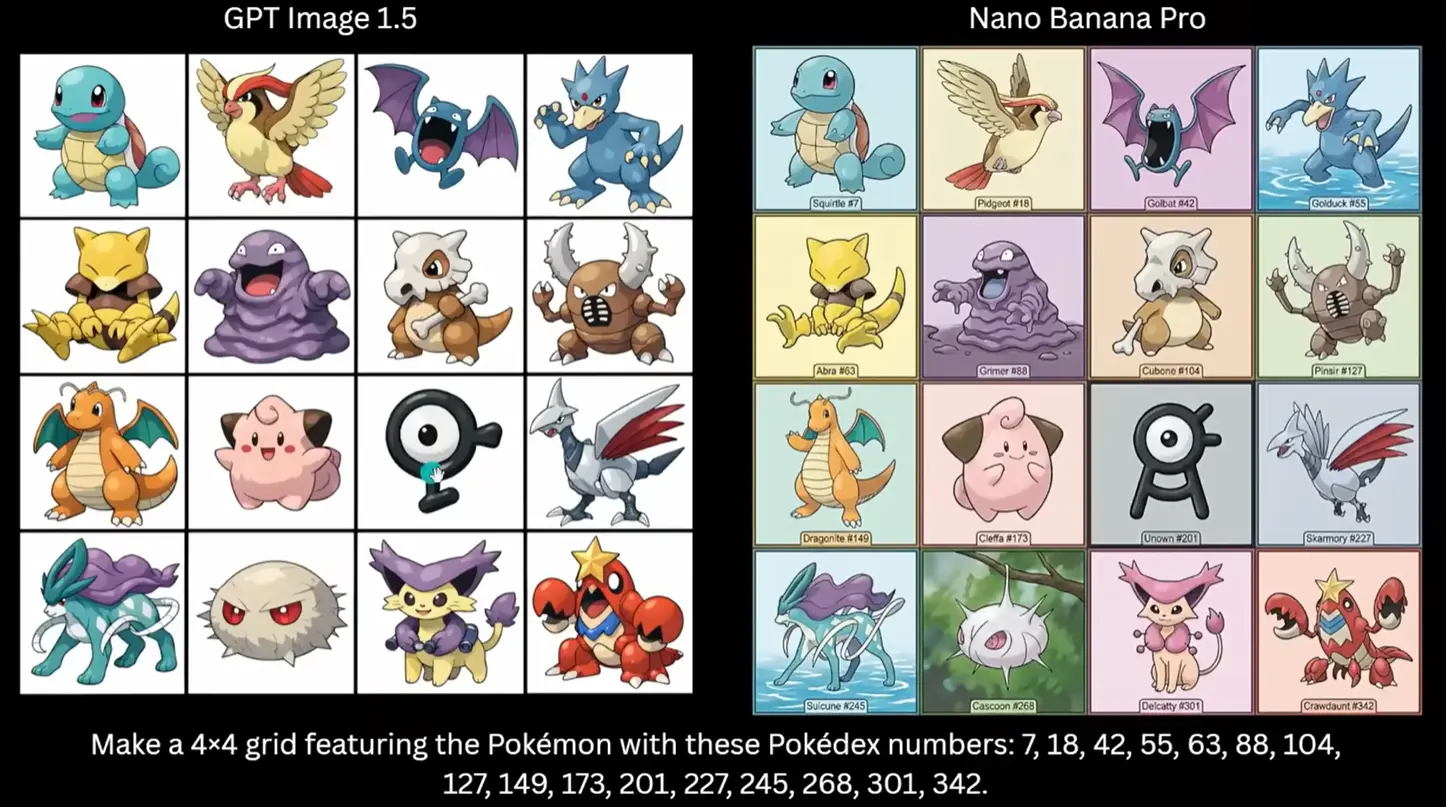
In tests involving multiple character renderings (like the Pokémon grid), GPT-Image 1.5 demonstrates tighter shape consistency and pose fidelity across all subjects. Each character maintains coherent proportions, clean line structure, and style alignment, which is important for series-based assets or batch AI image generation tasks. Nano Banana Pro, while visually rich and highly detailed, shows more stylistic variation between panels—different stroke treatments, lighting shifts, and inconsistent framing—which can make grouped results feel less unified when strict consistency matters.
Greater Reliability in Realism and Scientific Detail
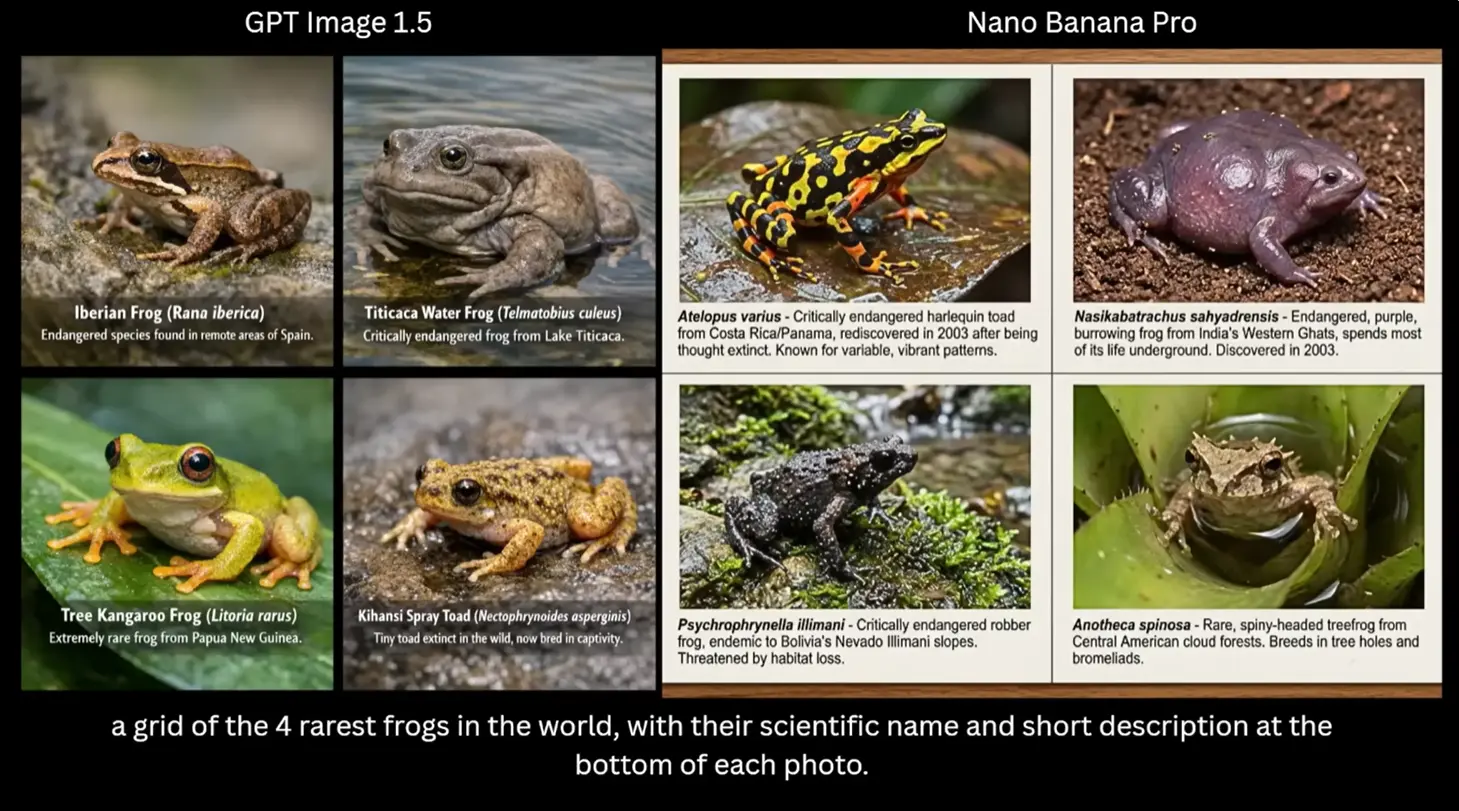
When asked to present natural subjects (such as rare frogs with scientific names and descriptions), GPT-Image 1.5 produces visuals that are clear, well-focused, and systematically structured, preserving individual subject features and textual context in a way that aligns with educational or documentary imagery. Nano Banana Pro often generates more atmospheric, dynamic backgrounds and naturalistic lighting, but at the same time can vary in how it weights detail versus clarity, occasionally introducing visual complexity that competes with the informational focus. GPT-Image 1.5 leans toward clean, repeatable informational rendering while Nano Banana Pro leans toward cinematic realism.
Better Panel and Narrative Coherence for Sequential Scenes
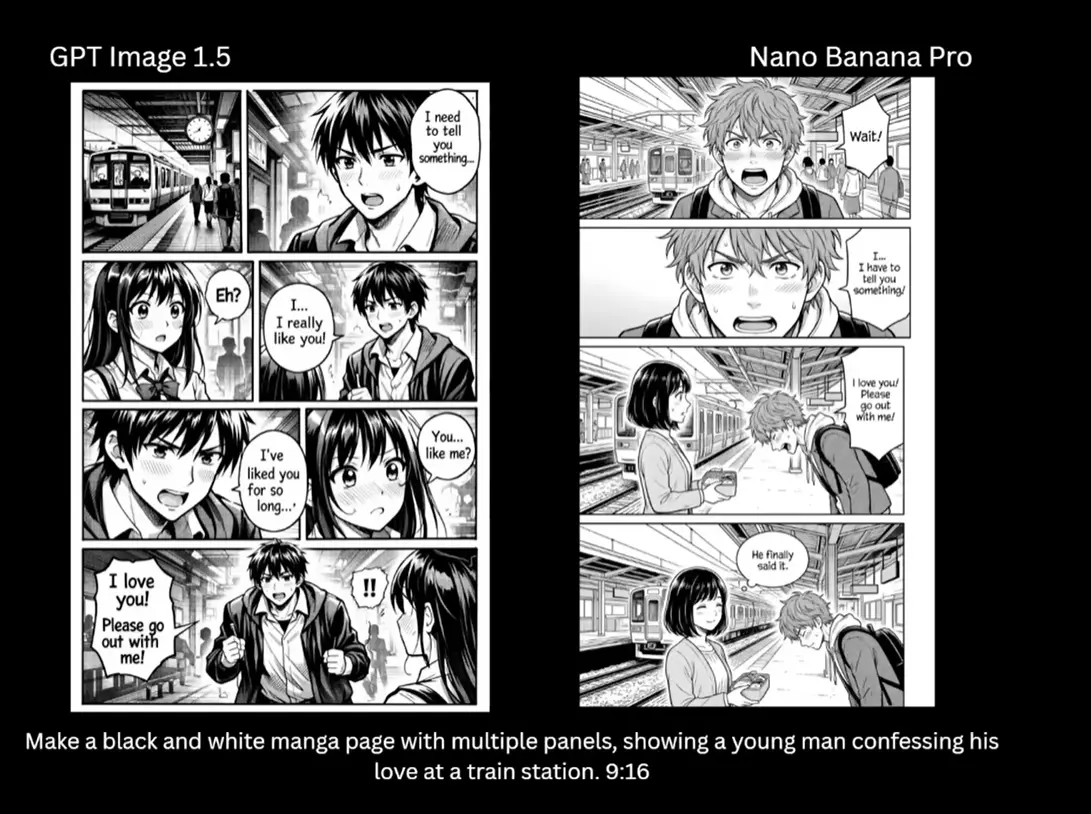
In sequential narrative imagery (such as comics or storyboard panels), GPT-Image 1.5 maintains consistent character identity, emotional expression, and spatial continuity across frames. This makes story flows more stable and easier to read. Nano Banana Pro often excels in richer shading and depth per frame, but sometimes at the cost of intra-frame identity shifts or compositional re-interpretation, which can break narrative uniformity in multi-frame sequences. GPT-Image 1.5’s approach results in predictably consistent character behavior and panel progression—a key benefit for text to image workflows involving storytelling or multi-image sequences.
Real Ways Creators Use OpenAI GPT-Image 1.5 for Visual Workflows
Product Imagery and Brand Visuals
GPT-Image 1.5 produces clean, consistent product photos, packaging concepts, and brand assets. Its precise editing makes it ideal for color changes, background swaps, catalog variations, and marketing-ready visuals—all while preserving geometry, labels, and lighting.
Character Design and Multi-Frame Storytelling
For comics, animations, children’s books, and storyboard development, GPT-Image 1.5 maintains strong identity consistency across frames. Characters keep their proportions, expressions, and styling even through pose changes or scene transitions, enabling stable multi-image narratives.
Educational Graphics, Infographics, and UI Layouts
The model reliably generates structured visuals with readable text, clear diagrams, maps, and interface mockups. It follows layout instructions closely, making it practical for creating learning materials, concept explainers, and product interface previews in a single prompt.
Scene Editing and Real-World Transformations
Image-to-image workflows benefit from GPT-Image 1.5’s ability to apply changes without altering the original intent—lighting adjustments, outfit changes, environmental transformations, or object removal remain controlled and realistic. This makes the model useful for photography enhancement, design previews, and scenario visualization.